



| Type | Description | Contributor | Date |
|---|---|---|---|
 | Post created | Pocketful Team | Jul-30-26 |
Read Next
- Is ₹2000 Note Still Valid in India in 2026?
- Best Stock Market YouTube Channels in India for Beginners
- SEBI Action on Jane Street: Impact on Indian Markets
- What is Personal Finance?
- Military Wealth Management: Strategies for Growing and Preserving Your Assets
- India’s Republic Day 2025: Honoring the Nation’s Defense Achievements
- 10 Essential Financial Planning Tips for Military Members
- How Do You Apply for PAN 2.0 Online and Get It on Your Email ID?
- LTP in Stock Market: Meaning, Full Form, Strategy and Calculation
- 15 Best Stock Market Movies & Web Series to Watch
- Why Do We Pay Taxes to the Government?
- What is Profit After Tax & How to Calculate It?
- Budget 2024: Explainer On Changes In SIP Taxation
- Budget 2024: F&O Trading Gets More Expensive?
- Budget 2024-25: How Will New Tax Slabs Benefit The Middle Class?
- Semiconductor Industry in India
- What is National Company Law Tribunal?
- What is Capital Gains Tax in India?
- KYC Regulations Update: Comprehensive Guide
- National Pension System (NPS): Should You Invest?
What is VPA in UPI? Meaning, Full Form & How It Works
Published on : 25th July 2026
|Updated on : 30th July 2026



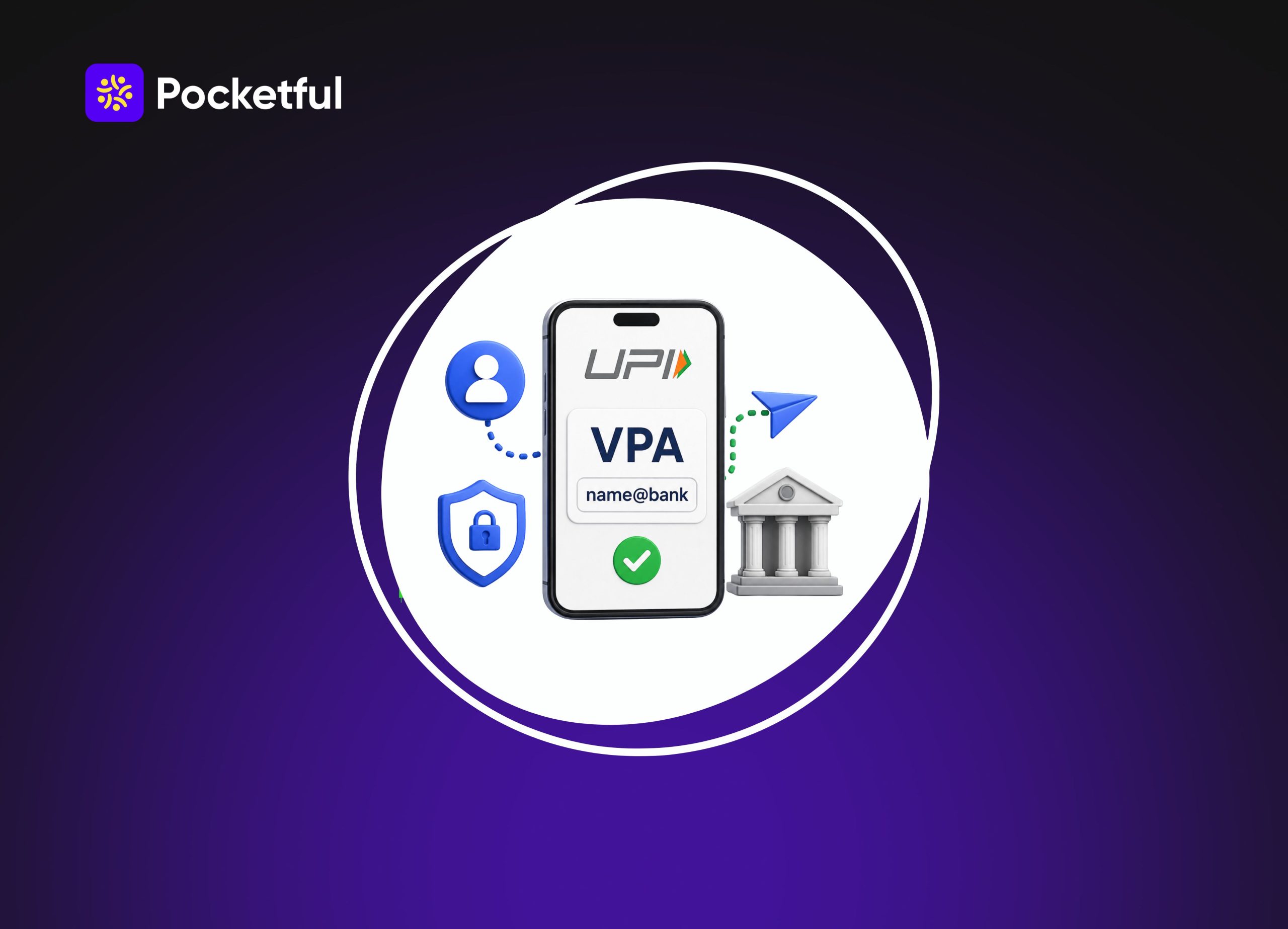
Paying via UPI is second nature to us by now, but honestly, how many of us actually know what a vpa in upi stands for? That’s exactly why people keep searching for what a vpa id means, what upi vpa means, or asking: is vpa and upi id same? If you want a straight, no-nonsense guide on vpa for upi, this article breaks down everything what it is, how it works, and how to set yours up easily.
What is VPA in UPI?
A VPA (Virtual Payment Address) is a unique payment address used to send and receive money via UPI. It is linked to your bank account and serves as a convenient alternative to the account number and IFSC code; consequently, you do not need to share your bank details during UPI payments.
Simply put, a VPA ID is a digital address used to facilitate UPI transactions. A VPA for UPI is generated for you when you link your bank account to a UPI app.
Every VPA (Virtual Payment Address) consists of two main parts. Once you understand this, it becomes easy to identify any UPI ID.
Understanding the Structure of a VPA
Example Suppose your VPA is: abc123@bankname
| Part of VPA | What does it mean |
|---|---|
| abc123 | This is the username. In some apps, you can choose it yourself, whereas many apps generate it automatically. |
| @ | It serves to separate the username and the UPI handle. |
| bankname | This is the UPI handle, which identifies the bank or UPI service provider (PSP). |
If someone needs to send you ₹1,000, they simply need to enter this VPA they do not need to know your bank account number or IFSC code. Before making the payment, the UPI app also displays your identity (name), thereby reducing the risk of sending money to the wrong person.
Difference between VPA and bank details
| Bank Details | VPA |
|---|---|
| The account number and IFSC code are required. | Only the VPA is required. |
| Long pieces of information have to be shared. | It is short and easy to remember. |
| Bank details come to light. | Bank details remain private. |
How to Create Your Virtual Payment Address
Setting up your VPA is incredibly easy. While the screens might look a bit different depending on the app you choose, the basic steps are exactly the same everywhere.
- Download a UPI app: First, grab any trusted app like PhonePe, Google Pay, Paytm, BHIM, or your bank’s official app. Just ensure you use the phone number linked to your bank account.
- Verify your mobile number: Open the app and select your number. It will send a quick automated SMS to verify your device. You can move forward only after this check is complete.
- Link your bank: Tap on “Add Bank Account” and choose your bank. If your number matches, the app automatically finds your account. Just select it to finish.
- Create a VPA (UPI ID): Once the bank account is linked, a VPA is generated for you. Many apps create this automatically, while others offer the option to choose a VPA of your preference.
- Set a UPI PIN: Next, you need to create a UPI PIN. Most banks require debit card details for this. However, many banks now also allow you to set or reset your UPI PIN using an Aadhaar-based OTP. Since this feature is not available with all banks, the options available to you will depend on your specific bank and UPI app.
- VPA is ready for use: Once the UPI PIN is set, your VPA becomes fully active. You can now use this VPA to send and receive money, as well as make payments by scanning QR codes.
Read Also: NEFT vs RTGS vs UPI vs IMPS: A Comparative Study
How Does VPA Work in UPI?
Whenever you send money to a VPA, UPI uses that VPA to route the funds to the correct bank account. The entire process is completed in just a few seconds.
- It starts with entering the VPA: To send money, you first enter the recipient’s VPA or scan their QR code. This VPA tells UPI which bank account should receive the funds.
- Verify by checking the name: After entering the VPA, the name associated with that account appears on the screen. You should proceed only if the name is correct; this significantly reduces the risk of sending money to the wrong person.
- The UPI PIN authorizes the transfer: Next, enter the amount you wish to send and input your UPI PIN. Once the correct PIN is entered, the bank approves the transaction, and the payment process begins.
- Money is transferred in seconds: Upon a successful payment, the funds are credited directly to the recipient’s bank account. Additionally, both the sender and the recipient receive a transaction confirmation.
Is VPA and UPI ID Same?
Yes, VPA is just the full form, which stands for Virtual Payment Address. It is the technical word for your UPI ID. Most apps like Google Pay or PhonePe show it as “UPI ID” on their screens simply because that sounds easier to understand. But at the end of the day, both mean the exact same address used to transfer money.
Why is VPA Important in UPI Transactions?
VPAs make UPI payments easier because there is no need to share full bank details for every transaction.
- No need to memorize bank details: Previously, sending money online required entering an account number and IFSC code. With the introduction of VPAs, payments can be made using just a UPI ID, making the process significantly simpler than before.
- Reduced risk of entering incorrect information: There is a possibility of making errors when typing long account numbers or IFSC codes. Since a VPA is short and simple, the likelihood of such mistakes during payment is minimized.
- Works across different UPI apps: A VPA isn’t locked to just one platform. Even if the recipient uses a totally different UPI app, money can easily be sent to their VPA as long as their bank account is linked to UPI.
- Name verification before payment: When typing a VPA, most UPI apps show the bank account holder’s real name before you pay. This makes it super easy to check the right person, reducing any risk of wrong transfers.
Where Can You Find Your Existing VPA?
If you do not remember your VPA (UPI ID), you can easily view it in the UPI app’s profile or bank account settings. Its location may vary slightly across different apps.
| UPI app | Where can I view my VPA (UPI ID)? |
|---|---|
| Google Pay | Profile → Bank Account → Manage UPI IDs |
| PhonePe | Profile → Bank Accounts → Select your bank account → UPI ID |
| Paytm | Profile → UPI & Payment Settings → Manage UPI IDs |
| BHIM | Profile → Bank Account → UPI ID / VPA |
| Bank’s UPI app | Look for the UPI ID / VPA option in the UPI or Bank Account section. |
Can You Have More Than One VPA?
Yes, it is possible to have more than one VPA (UPI ID) linked to a single bank account. However, this feature depends on your bank and the UPI app being used.
Examples:
- abc@bankname
- abc.pay@bankname
- abc123@provider
All these VPAs can be linked to the same bank account. This makes it easy to manage different activities such as personal and business payments using separate VPAs.
Read Also: How to Register a UPI Complaint?
Benefits of Using VPA for UPI Payments
Using a VPA makes UPI payments not only easier but also more convenient.
- No need to share bank details: To receive money using a VPA, you only need to share your UPI ID. This eliminates the need to disclose your account number and IFSC code.
- Payments become easier: Instead of entering lengthy bank details, you can make a payment in seconds simply by entering the VPA. This simplifies the entire process.
- Enhanced privacy: When you share your VPA, your banking information is not revealed. This keeps your personal bank details secure.
- Works across different UPI apps: A VPA is not limited to a single app. You can easily send money to someone’s VPA even if they are using a different UPI app.
- 24/7 payment facility: Money can be sent or received at any time using a VPA; there is no need to wait for banking hours.
- Easy to remember: In most cases, a VPA is shorter and easier to remember than a bank account number, making repeated payments more convenient.
VPA Safety Tips How to Keep Your Money Safe
Look, using a VPA is super safe, but honestly, it just takes one tiny mistake to lose your money. Fraudsters are getting smart, so you need to be smarter. Here is what you should always keep in mind before hitting that pay button.
- Keep your UPI PIN a secret: Your PIN is the lock to your bank account. Never share it with anyone period. No bank officer, support agent, or customer care person will ever call you asking for it. If they do, they’re lying.
- Spot the name before you send: The best thing about VPAs is that when you type one in, the app automatically shows the real name of the person. Look at that name carefully. If it looks fishy or doesn’t match who you’re paying, stop and check the VPA again.
- A big rule: You don’t need a PIN to get paid: This is the most common trap people fall into. If someone tells you to enter your UPI PIN or scan a QR code to receive money from them, they are trying to rob you. PINs are only for sending money.
- Don’t hurry with unknown VPAs: Sending money to a random account you don’t know? Double-check first. Once that transaction goes through and the money leaves your account, getting it back is a huge headache.
- Don’t ignore app updates: I know those update notifications are annoying, but please don’t skip them. Those updates fix security bugs and add new fraud detection layers that keep hackers away.
- See something wrong? Scream immediately: If you notice even a single rupee moving out of your account without your permission, don’t wait around. Block your account and report it to both your bank and the UPI app support team right away.
Read Also: Best UPI Apps in India
Conclusion
VPAs have honestly made UPI payments a whole lot simpler. Once you understand how it actually works, sending or getting money becomes second nature. Just keep your UPI PIN safe to yourself, verify who you are paying before hitting that button, and stick to trusted IDs. Do this, and your digital transactions will always stay completely safe.
Frequently Asked Questions (FAQs)
01
What is VPA in UPI?
A VPA is your UPI payment ID, used to send and receive money.
02
Are VPAs and UPI IDs the same?
Yes, both represent the same payment address.
03
How do I create a VPA?
A VPA is created when you link a bank account to a UPI app.
04
Can I change my VPA?
Yes, some UPI apps offer this feature.
05
Is sharing a VPA safe?
Yes, but never share your UPI PIN.
Disclaimer

The information shared in this content is intended solely for educational and informational purposes and should not be considered financial, investment, or trading advice. Any references to stocks, mutual funds, or market instruments are purely for informational purposes and do not constitute recommendations. Investments in financial markets are subject to market risks, and past performance is not indicative of future returns. Readers are advised to conduct independent research, review official documents carefully, and consult a qualified financial advisor before making any investment or trading decisions.
Article History
