



| Type | Description | Contributor | Date |
|---|---|---|---|
 | Post created | Pocketful Team | Jul-04-26 |
Read Next
- What is Tender Period in MCX?
- Top 10 Biggest Stock Market Crashes in India
- What is Reversal Trading?
- Bankex vs Sensex: Key Differences
- How to Earn Money in Share Market?
- Difference Between Sensex and Nifty
- What Is a Brokerage Account?
- Best Stop Loss Strategies for Day Trading in 2026
- Best ETF Trading Strategies in India
- What is Overnight Trading?
- Why Option Buyers Lose Money in Trading
- Formulas used to Calculate Profit and Loss in Nifty Options
- How to Trade Fake Breakouts Using Options: 5 False Breakout Strategies
- Trade Breakouts with Options Without Overpaying IV
- How to Use MTF in the Stock Market?
- Understanding Bull Put Spread Option Strategy
- NSE Extends F&O Trading Hours by 10 Minutes
- Expiry Day Trading Explained
- High Premium Selling: Risk vs Reward Explained
- Delta Neutral Trading Strategy: What it is & How it works
What Is an OCO Order?
Published on : 4th July 2026
|Updated on : 4th July 2026



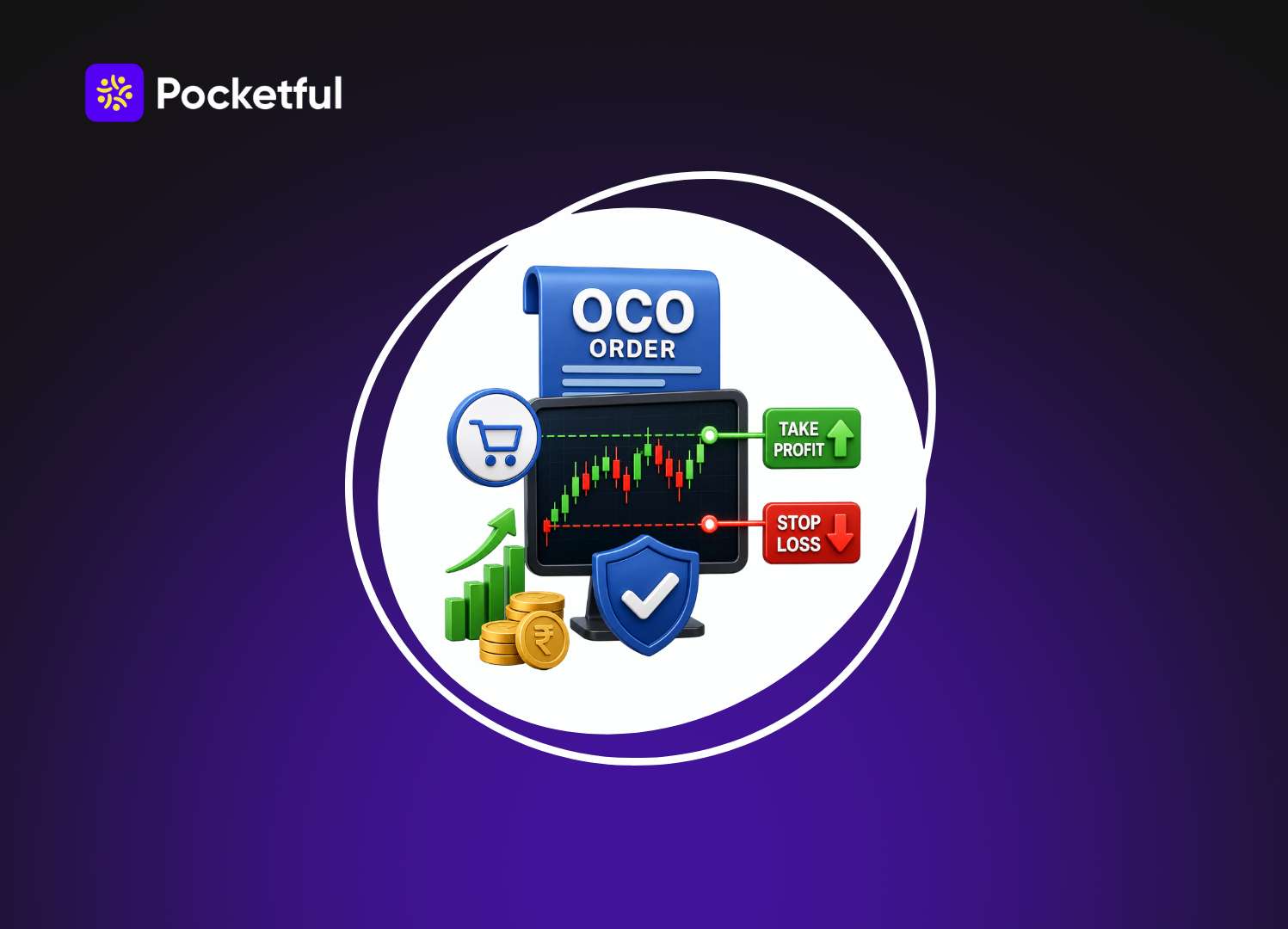
If you have ever traded, you would have noticed that profits or losses can occur within just a few minutes. Managing trades while sitting in front of the screen at all times is not easy. This is where an OCO order comes in handy. If you are wondering what an OCO order is and how it aids in trading, this article is for you. Here, we will explain everything including how it works, its benefits, examples, and proper usage in simple language, so you can make better trading decisions without any confusion.
What Is an OCO Order? Full Form, Meaning, Examples & Benefits
OCO full form “One Cancels the Other.” As the name suggests, this involves two orders linked to each other; if one order is executed, the other is automatically cancelled. Consequently, the trader does not need to manage separate orders, and the trade proceeds according to a pre-determined strategy.
What Is an OCO Order?
An OCO order is useful for traders who wish to determine their exit plan at the time of entering a trade. It allows you to pre-set the price levels at which to book profits if the price rises and to exit the trade if it falls. This eliminates the need to make immediate decisions in response to every minor market movement.
Example: Suppose you buy a call Option premium at ₹150. You believe it could rise to ₹180, but if the price drops below ₹140, your losses could increase. In this scenario, you can set a target of ₹180 and a stop-loss of ₹140. The trade will then be concluded based on whichever price level the market reaches first.
How Does an OCO Order Work?
Step 1: After initiating a trade, two exit prices are set: a Target and a Stop-Loss.
Step 2: Both orders remain active in the system, linked under a single OCO instruction.
Step 3: The order corresponding to the price level the market touches first gets executed.
Step 4: As soon as the first order is executed, the system automatically cancels the other pending order.
Why Do Traders Use an OCO Order?
The primary objective of an OCO order is to manage a trade according to a pre-determined plan. This is why many experienced traders incorporate it into their strategies.
- To limit losses: If the market moves in the opposite direction, the trade can close automatically at a set level, thereby reducing the risk of significant losses.
- To take profits at the right time: The order can execute as soon as the price reaches the set target, ensuring there is no delay in booking profits.
- For ease during volatile markets: There is no need to repeatedly modify orders in response to sudden price movements.
- To avoid constantly monitoring the screen: It is not necessary to track the market continuously, as the order operates based on pre-set conditions.
- To trade according to the plan: It helps in adhering to a pre-determined trading plan without being influenced by emotions.
When Should You Use an OCO Order?
An OCO order is not necessary for every trade, but it can prove quite useful in certain situations.
- During Intraday Trading: When a trade needs to be completed within a single day and there is a possibility of rapid price fluctuations.
- In Swing Trading: If you hold a position for a few days, it becomes easier to pre-determine exit levels.
- In Breakout Trading: Prices can move sharply up or down following a breakout; in such cases, an OCO order executes based on a pre-planned strategy.
- In a Volatile Market: It helps manage sudden price movements triggered by major news, earnings results, or economic events.
- When You Cannot Constantly Monitor the Market: If it is not possible to monitor charts throughout the day, an OCO order can manage the trade based on pre-set price levels.
Read Also: What is a Stop Loss and How to Use While Trading?
Advantages and Limitations of OCO Orders
Like every order type, the OCO order has its own advantages and certain limitations. It can be used effectively only by understanding these aspects.
| Benefits | Limitations |
|---|---|
| It offers the facility to place two separate exit orders for a single trade. | Not all brokers or trading platforms offer the OCO order facility. |
| Once the order is filled, the other order is automatically cancelled, eliminating the risk of a double exit. | Choosing the wrong levels for the target and stop-loss can lead to the trade closing prematurely. |
| Managing a trade becomes easier when following a pre-determined strategy. | It is not always possible to execute orders at the desired price for low-liquidity stocks. |
| There is less need to repeatedly change individual orders. | To use an OCO order effectively, a good understanding of price levels is essential. |
| This can prove useful, especially in a market with rapid price movements. | Placing an OCO order without a plan prevents you from reaping its full benefits. |
Common Mistakes to Avoid While Using an OCO Order
Even minor errors can impact the outcome of an OCO order. Therefore, keep the following points in mind before placing an order.
- Do not place orders without market analysis: Instead of setting targets and stop-loss levels based merely on guesswork, make decisions by analyzing charts and price levels.
- Do not overlook the risk-reward ratio: Select target and stop-loss levels where the potential profit outweighs the potential loss.
- Do not use OCO orders for every trade: OCO orders are not necessary for every market condition. First, determine whether your trading strategy is suitable for this type of order.
- Do not frequently modify the order after placing it: Constantly changing the target or stop-loss can disrupt your original trading plan.
- Understand your broker’s OCO features first: Rules and available features for OCO orders may vary across different trading platforms. Be sure to check them before placing an order.
How do you place an OCO order in Pocketful?
You can set up an OCO order in Pocketful using the ‘Add SL / Target OCO’ option via the GTT feature. Follow the steps below:
Step 1: Select your trading instrument
First, open the specific instrument (Stock, Futures, or Options) you wish to trade.
Step 2: Click on Buy or Sell
Select the ‘Buy’ or ‘Sell’ option based on your trade; this will open the order window.
Step 3: Select the GTT option
Click on the ‘GTT’ option available in the order window.
Step 4: Select ‘Add SL / Target OCO’
Now, select the ‘Add SL / Target OCO’ option.
Step 5: Set Target and Stop-Loss
Enter the Target Price and Stop-Loss Price according to your trading strategy.
Step 6: Submit the order
Click on ‘Submit’ after verifying all the details. Your OCO setup will then become active.
Conclusion
In trading, simply getting the entry right isn’t enough; exiting at the right time is equally important. This is where an OCO order can be a useful option. By now, you likely have a detailed understanding of what an OCO order is, its full form, and its meaning. When used alongside a sound trading plan and proper risk management, it can facilitate better and more disciplined trading decisions. Take your options trading to the next level with Pocketful’s advanced charts, option chain, and OCO order functionality.
| S.NO. | Check Out These Interesting Posts You Might Enjoy! |
|---|---|
| 1 | What is Commodity Market in India? |
| 2 | What is Intraday Trading? |
| 3 | What is Options Trading? |
| 4 | Breakout Trading: Definition, Pros, And Cons |
| 5 | What is Future Trading and How Does It Work? |
Frequently Asked Questions (FAQs)
01
What is the full form of OCO?
The full form of OCO is One Cancels the Other.
02
What is an OCO order?
It is an order type in which the Target and Stop-Loss are set together.
03
Is an OCO order good for beginners?
Yes, but it is important to understand its working and risk management first.
04
Does every broker offer OCO orders?
No, this feature is not available on all brokers or trading platforms.
05
What happens when one OCO order is executed?
As soon as one order is completed, the other order is automatically cancelled.
Disclaimer

The information shared in this content is intended solely for educational and informational purposes and should not be considered financial, investment, or trading advice. Any references to stocks, mutual funds, or market instruments are purely for informational purposes and do not constitute recommendations. Investments in financial markets are subject to market risks, and past performance is not indicative of future returns. Readers are advised to conduct independent research, review official documents carefully, and consult a qualified financial advisor before making any investment or trading decisions.
Article History
